Recipe Library
Save recipes, keep source links, track notes, and build a library that survives busy weeks.
Keep recipes, weekly plans, grocery lists, and shared dinner decisions in one clear workspace.
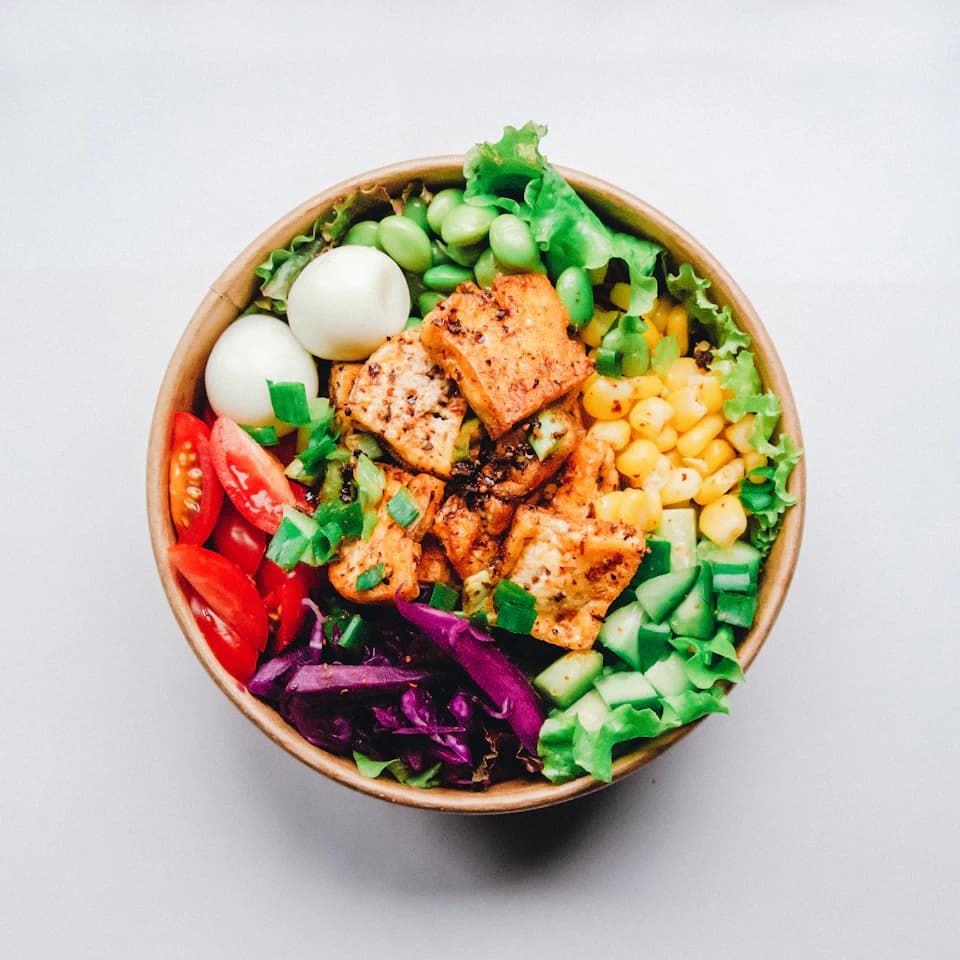
A place for the meals you want to make.
Save a recipe. Plan dinner. Make your list.
Daily Dine keeps the weekly planning loop short: recipes in, dinners planned, groceries ready.
Save recipes, keep source links, track notes, and build a library that survives busy weeks.
Plan dinners from saved recipes, rotate favorites, and keep the current week visible.
Turn a plan into a categorized list with pantry overlap and fewer duplicate ingredients.
Send plans to the household so everyone can see what is coming up for dinner.
The interface is built around repeatable home cooking, not a blank calendar you have to maintain by hand.
Import recipes from URLs, photos, PDFs, or your own notes.
Build a weekly plan from saved recipes and suggestions.
Generate a grocery list grouped by aisle and ingredient type.
Save repeatable plans for school weeks, meal prep, and family favorites.
This illustrative walkthrough uses the product’s real workflow. It is not presented as a customer testimonial.
01
Recipes are split across browser tabs, screenshots, cookbooks, and handwritten notes.
02
The household saves its dependable recipes, chooses 5 dinners, and generates one categorized grocery list.
03
Everyone can see the plan, repeat a favorite week later, and spend less time deciding what to cook.
Need help with something else? Visit Contact & Support.
Yes. You can create an account and start planning without a credit card. Optional Pro features are shown before you choose to upgrade.
Yes. Daily Dine supports recipe imports from website links, photos, PDFs, videos, and pasted notes. Import availability can depend on your plan.
Yes. Build a meal plan, then generate a grocery list from the recipes in that plan. Ingredients are grouped to make shopping easier.
Yes. Shared plans let other people in your household view the meals you selected without rebuilding the week themselves.
Your saved recipes stay private unless you choose to publish or share them. Public recipes and shared links are clearly separated from private content.
Create a recipe library, plan the next few meals, and generate a grocery list when you are ready.